
 FrameOS
Waveshare 10.3" e-Paper
1872×1404 16-level grayscale e-ink display for FrameOS - specs, setup and driver details.
Official Waveshare store
Official store page for this device.
Manufacturer docs & datasheets
3D-printable case
Exact FrameOS Case Maker preset for this display.
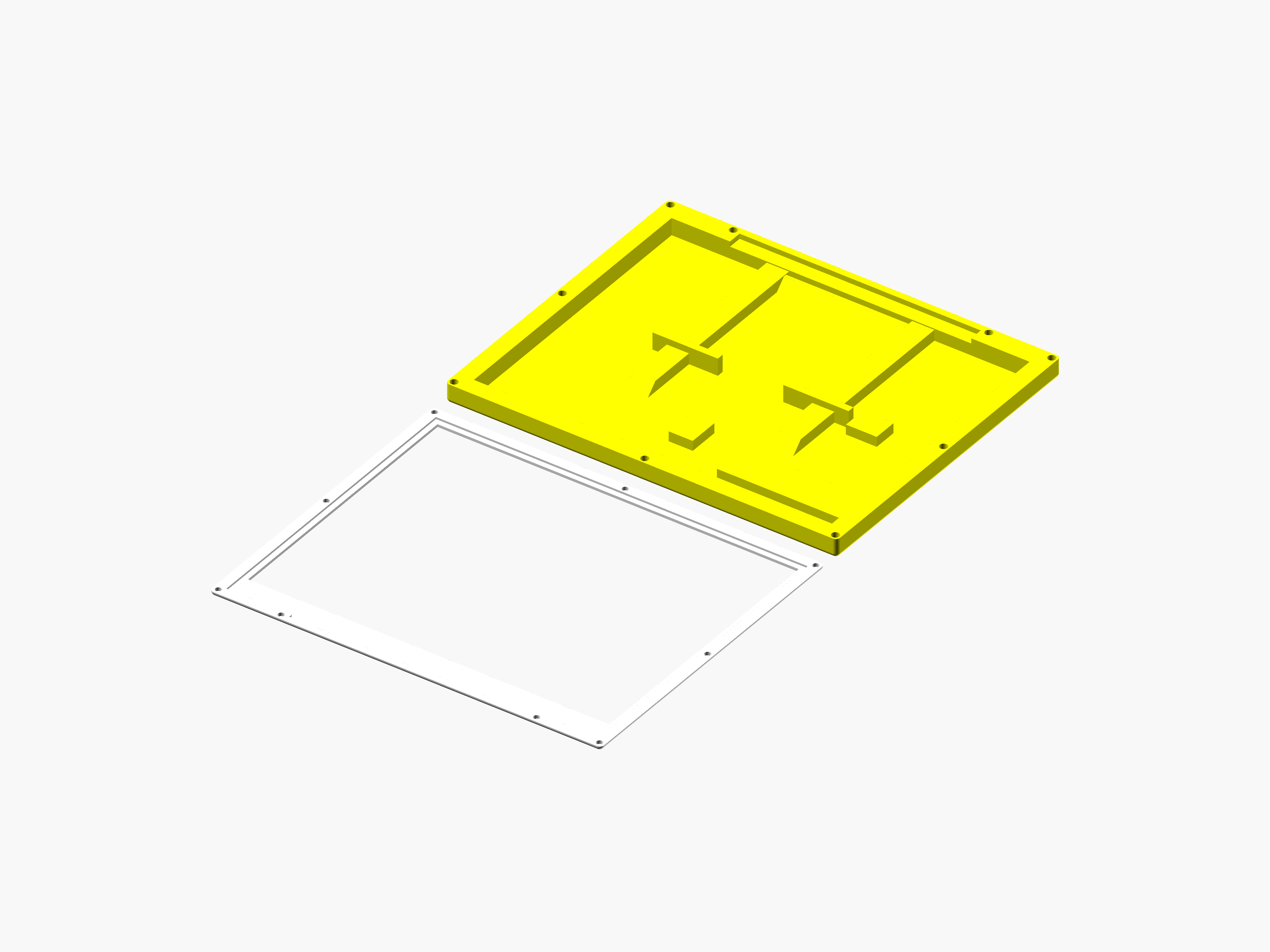
FrameOS Case Maker preset
Open Case Maker- Vendor
- Waveshare
- Model
- 10.3" e-Paper
- Technology
- E-ink
- Colors
- 16-level grayscale
- Resolution
- 1872×1404 px
- Size
- 10.3″ diagonal
- Interface
- USB/SPI (IT8951)
- Platforms
- Raspberry Pi
- Status
- 🟢 Confirmed working
- FrameOS driver
waveshare.EPD_10in3
Part of the FrameOS device database. Spotted an error, or tested this panel? Edit this page on GitHub - it's a markdown file.
The Waveshare 10.3" e-Paper is a 10.3″ e-ink panel with a resolution of 1872×1404 pixels showing 16-level grayscale. Grayscale e-ink renders dithered photos noticeably better than pure black-and-white panels, while keeping a quick refresh. Like all e-paper, it keeps the last image with zero power - the frame only wakes up to render.
This panel is driven through the IT8951 controller board (USB/SPI). It works, but draws more power than typical SPI panels. From FrameOS 2026.9.18 a full refresh takes about 4 seconds on a Pi Zero 2 W - it used to be closer to 50.
How it works
FrameOS ships a native driver
(waveshare.EPD_10in3) compiled straight into the binary that runs on your Raspberry Pi - no Python, no
vendor libraries. Each render pass draws your scene into a full-color image,
dithers it to the panel's palette, and pushes the result to the display over SPI.
Setup
- Connect the panel to the Raspberry Pi - plug the HAT onto the GPIO header, or hook up the separate driver board with the bundled ribbon cable.
- Add a frame in the FrameOS backend and select the Waveshare 10.3" 1872x1404 16 Grayscale driver.
- Save & deploy. The panel blinks through a refresh cycle and shows your scene.
Make sure the letter suffix on your panel's ribbon cable matches the driver - Waveshare reuses product names across revisions. More tips in the Waveshare buying guide.
Status
🟢 Confirmed working - tested on real hardware.