
 FrameOS
Device database
Every display FrameOS can drive - 120+ e-ink, LCD and HDMI displays with specs, colors, resolution and setup notes.
FrameOS ships with 120+ display drivers, selectable when you add a frame in the backend. Native drivers compiled into the frame binary cover most e-ink panels by Waveshare and Pimoroni, three generic drivers cover everything with a video output, and all-in-one microcontroller boards get their own entries - every display below has its own page with full specs and setup instructions. A few entries marked Not yet are hardware FrameOS can't drive yet, listed so you can see where it stands before you buy.
Showing 150 of 150 displays. Click a column to sort, click a row for full specs and setup.
| Interface | |||||
|---|---|---|---|---|---|
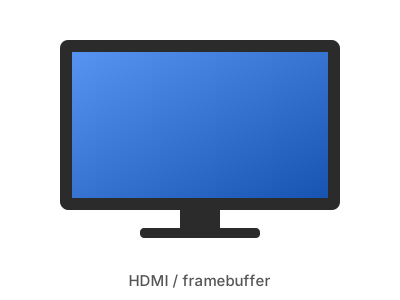
| - | any | Full RGB | HDMI / composite | ✓ Tested | |
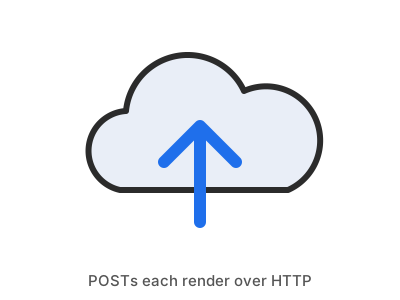
| - | any | Full RGB | Network (HTTP POST) | ✓ Tested | |
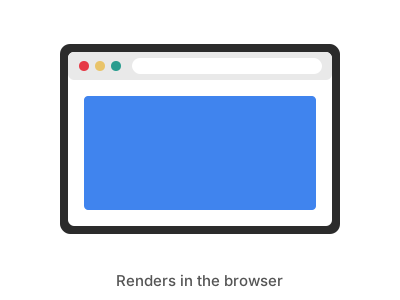
Web onlyESP32 | - | any | Full RGB | None (browser) | ✓ Tested |
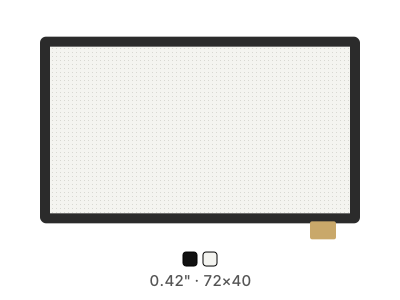
| 0.42" | 72×40 | Black/White | ESP32-C3 board (I2C) | ✓ Tested | |
| - | any | Varies by model | SPI HAT (Python driver) | ✓ Tested | |
| - | any | Varies by model | SPI HAT (Python driver) | ✓ Tested | |
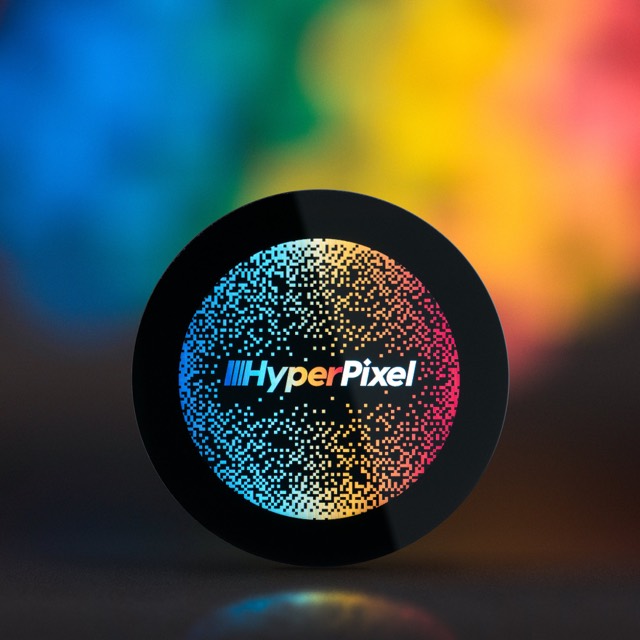
| 2.1" | 480×480 | 262K (18-bit RGB) | GPIO (DPI) | ✓ Tested | |
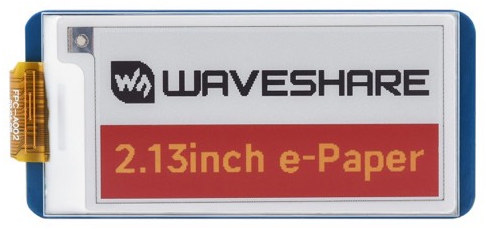
| 2.13" | 250×122 | Black / White / Yellow / Red | SPI HAT | Should work | |
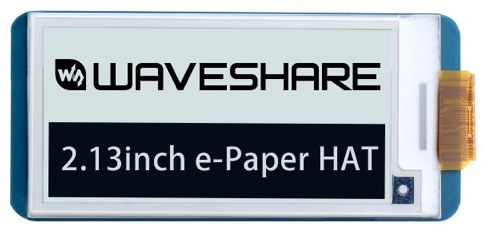
| 2.13" | 212×104 | Black / White | SPI HAT | Should work | |
| 2.13" | 250×122 | Black / White | SPI HAT | Should work | |
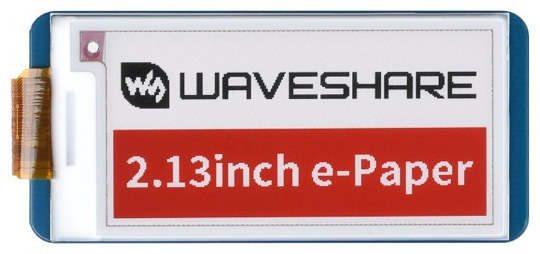
| 2.13" | 212×104 | Black / White / Red | SPI HAT | Should work | |
| 2.13" | 212×104 | Black / White / Red | SPI HAT | Should work | |
| 2.13" | 250×122 | Black / White / Red | SPI HAT | Should work | |
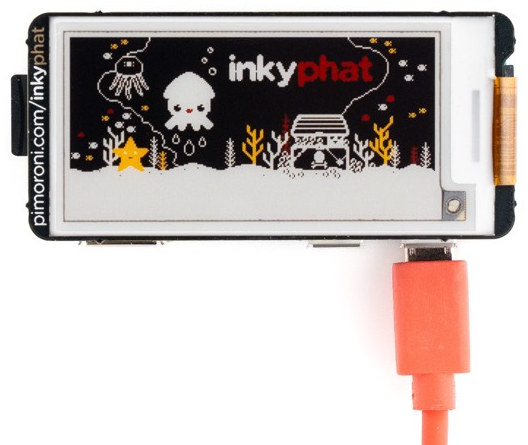
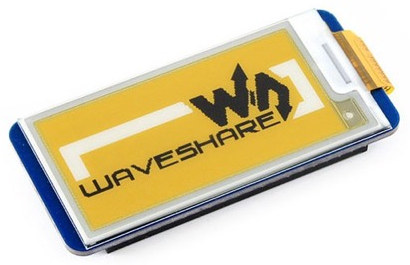
| 2.13" | 212×104 | Black / White / Yellow | SPI HAT | ✓ Tested | |
| 2.13" | 250×122 | Black / White / Yellow | SPI HAT | Should work | |
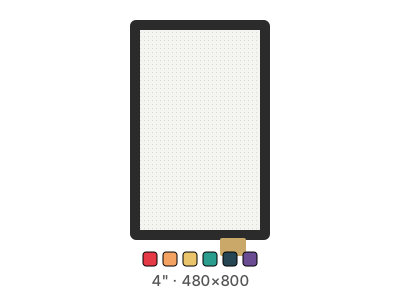
| 4" | 480×800 | 262K (18-bit RGB) | GPIO (DPI) | Should work | |
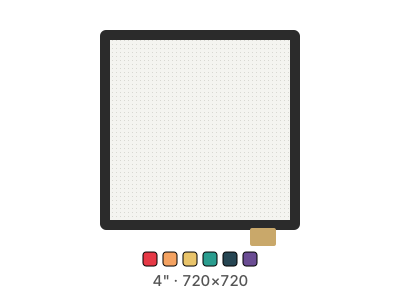
| 4" | 720×720 | 262K (18-bit RGB) | GPIO (DPI) | Should work | |
| 4" | 720×720 | 262K (18-bit RGB) | GPIO (DPI) | ✓ Tested | |
| 4" | 480×800 | 262K (18-bit RGB) | GPIO (DPI) | ✓ Tested | |
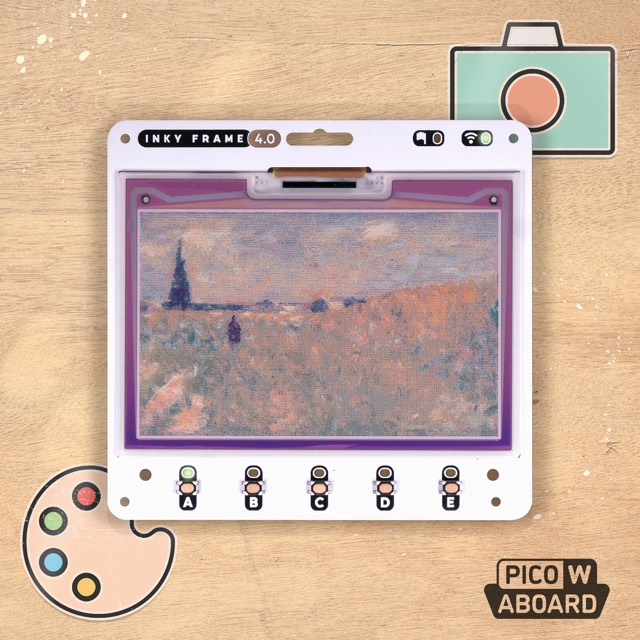
| 4" | 640×400 | 7 colors (ACeP) | Pico W board | Should work | |
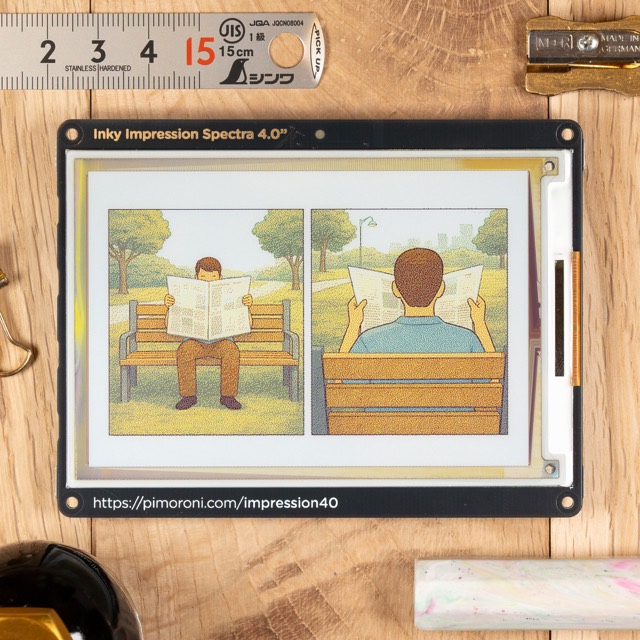
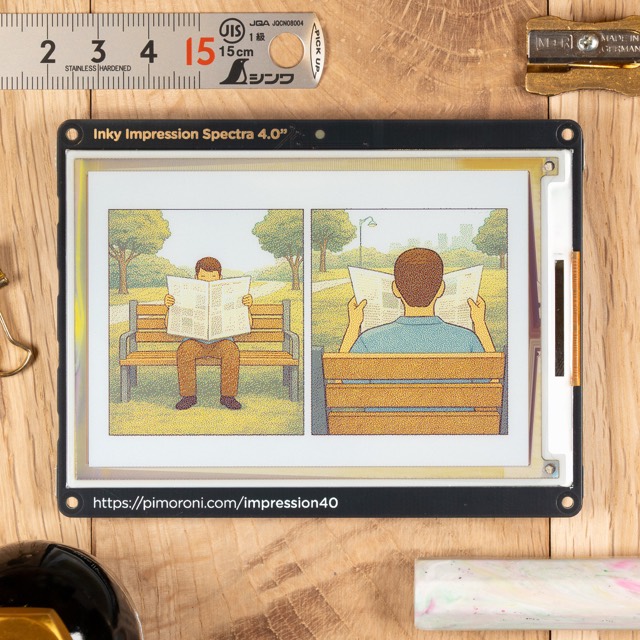
| 4" | 600×400 | 6 colors (Spectra 6) | SPI HAT | ✓ Tested | |
| 4" | 640×400 | 7 colors (ACeP) | SPI HAT | Should work | |
| 4.2" | 400×300 | Black / White / Yellow / Red | SPI HAT | Should work | |
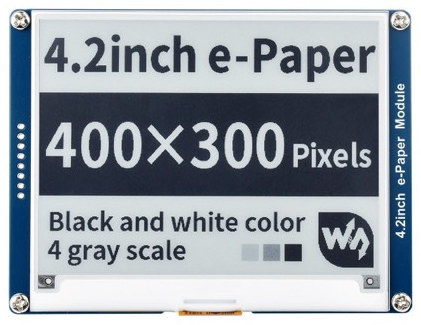
| 4.2" | 400×300 | Black / White | SPI HAT | Should work | |
| 4.2" | 400×300 | Black / White | SPI HAT | Should work | |
| 4.2" | 400×300 | Black / White / Red | SPI HAT | Should work | |
| 4.2" | 400×300 | Black / White / Red | SPI HAT | Should work | |
| 4.2" | 400×300 | Black / White / Red | SPI HAT | Should work | |
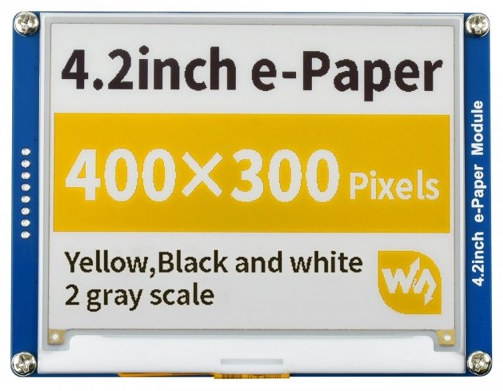
| 4.2" | 400×300 | Black / White / Yellow | SPI HAT | ✓ Tested | |
| 4.2" | 400×300 | Black / White / Yellow | SPI HAT | Should work | |
| 5.7" | 600×448 | 7 colors (ACeP) | Pico W board | Should work | |
| 5.7" | 600×448 | 7 colors (ACeP) | SPI HAT | ✓ Tested | |
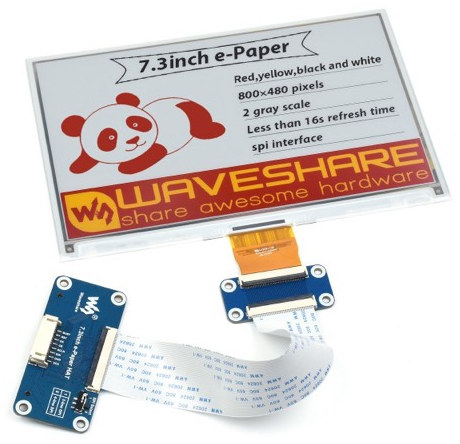
| 7.3" | 800×480 | 7 colors (ACeP) | Pico W board | Should work | |
| 7.3" | 800×480 | 7 colors (ACeP) | Pico 2 W board | Should work | |
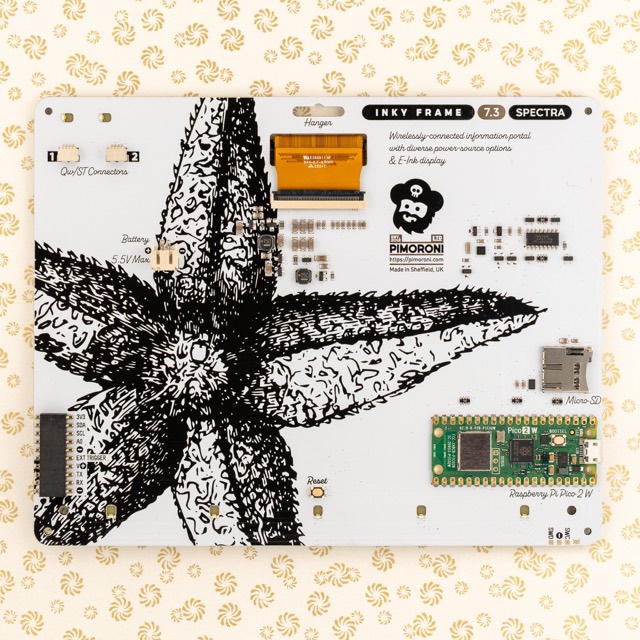
| 7.3" | 800×480 | 6 colors (Spectra 6) | Pico 2 W board | ✓ Tested | |
| 7.3" | 800×480 | 6 colors (Spectra 6) | SPI HAT | ✓ Tested | |
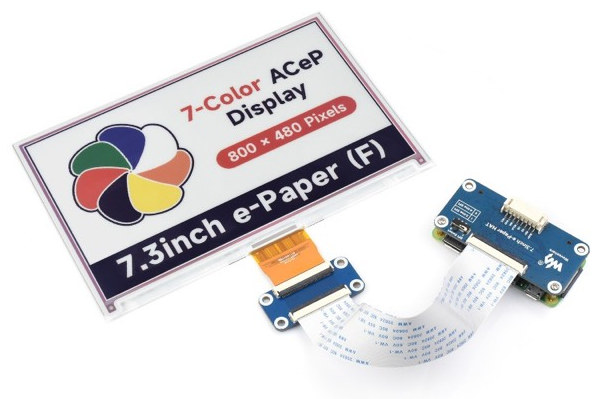
| 7.3" | 800×480 | 7 colors (ACeP) | SPI HAT | ✓ Tested | |
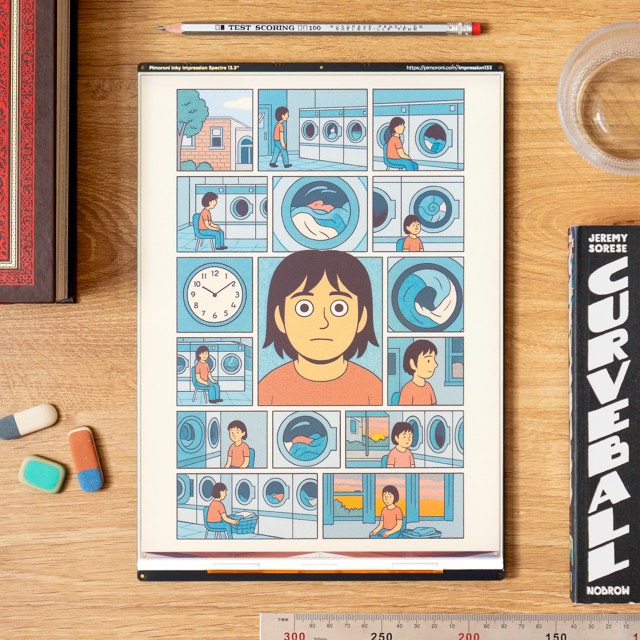
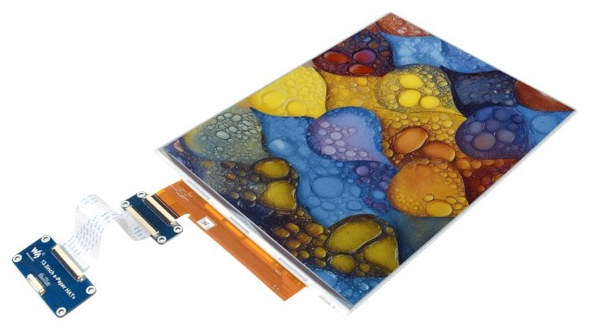
| 13.3" | 1600×1200 | 6 colors (Spectra 6) | SPI HAT | ✓ Tested | |
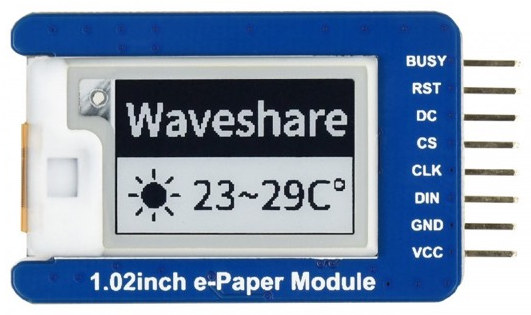
| 1.02" | 128×80 | Black / White | SPI | Should work | |
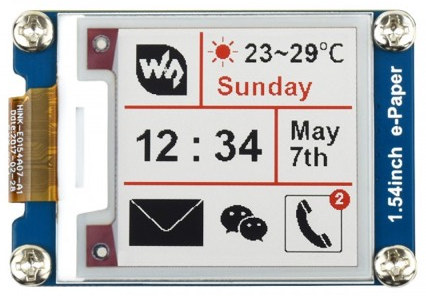
| 1.54" | 200×200 | Black / White / Red | SPI | Should work | |
| 1.54" | 200×200 | Black / White / Red | SPI | Should work | |
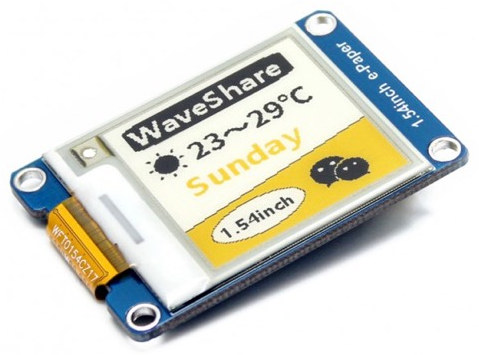
| 1.54" | 152×152 | Black / White / Yellow | SPI | Should work | |
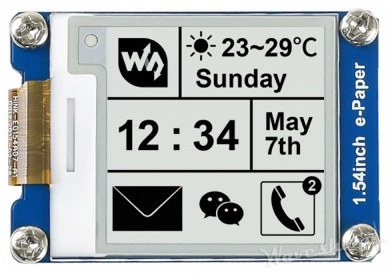
| 1.54" | 152×152 | Black / White | SPI | Should work | |
| 1.54" | 200×200 | Black / White | SPI | Should work | |
| 1.54" | 200×200 | Black / White | SPI | Should work | |
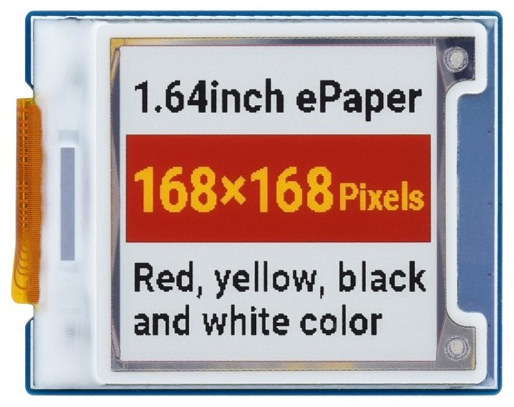
| 1.64" | 168×168 | Black / White / Yellow / Red | SPI | Should work | |
| 2.13" | 212×104 | Black / White / Red | SPI | Should work | |
| 2.13" | 250×122 | Black / White / Red | SPI | Should work | |
| 2.13" | 212×104 | Black / White / Red | SPI | Should work | |
| 2.13" | 212×104 | Black / White / Yellow | SPI | Should work | |
| 2.13" | 212×104 | Black / White / Yellow | SPI | Should work | |
| 2.13" | 212×104 | Black / White | SPI | Should work | |
| 2.13" | 212×104 | Black / White | SPI | Should work | |
| 2.13" | 250×122 | Black / White / Yellow / Red | SPI | Should work | |
| 2.13" | 250×122 | Black / White / Yellow / Red | SPI | Should work | |
| 2.13" | 250×122 | Black / White | SPI | Should work | |
| 2.13" | 250×122 | Black / White | SPI | Should work | |
| 2.13" | 250×122 | Black / White | SPI | ✓ Tested | |
| 2.13" | 250×122 | Black / White | SPI | ✓ Tested | |
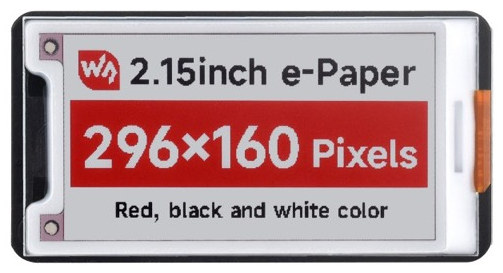
| 2.15" | 296×160 | Black / White / Red | SPI | ✓ Tested | |
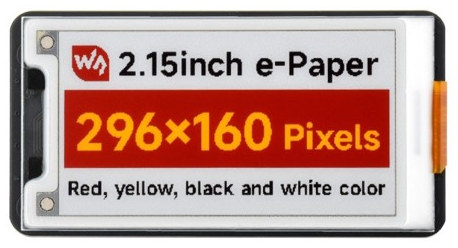
| 2.15" | 296×160 | Black / White / Yellow / Red | SPI | Should work | |
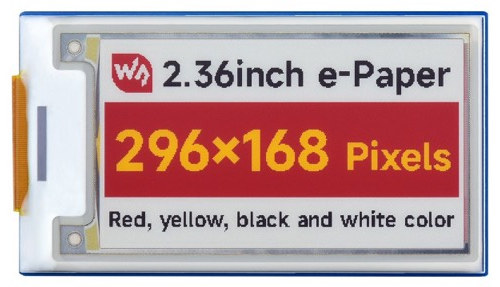
| 2.36" | 296×168 | Black / White / Yellow / Red | SPI | Should work | |
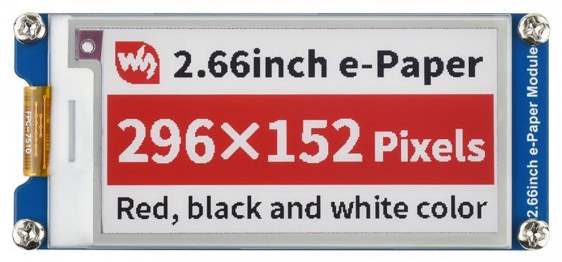
| 2.66" | 296×152 | Black / White / Red | SPI | Should work | |
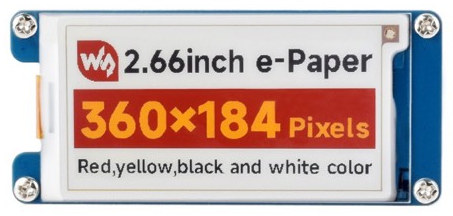
| 2.66" | 360×184 | Black / White / Yellow / Red | SPI | Should work | |
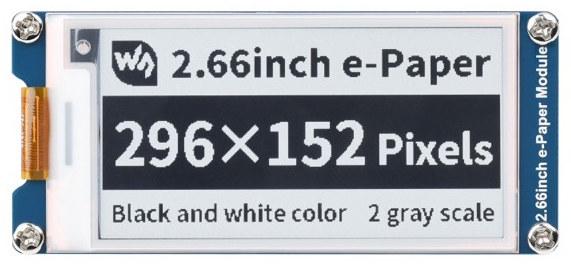
| 2.66" | 296×152 | Black / White | SPI | Should work | |
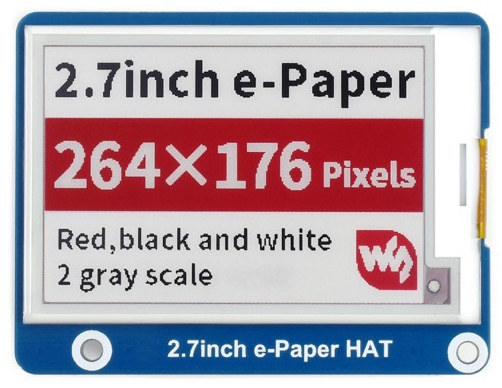
| 2.7" | 264×176 | Black / White / Red | SPI | Should work | |
| 2.7" | 264×176 | Black / White / Red | SPI | Should work | |
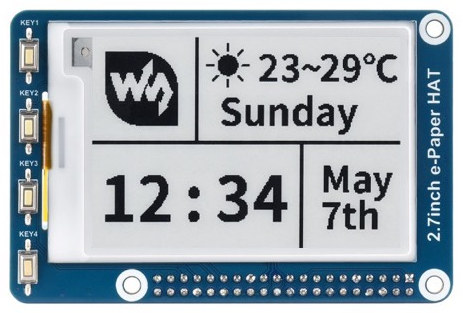
| 2.7" | 264×176 | 4-level grayscale | SPI | Should work | |
| 2.7" | 264×176 | 4-level grayscale | SPI | Should work | |
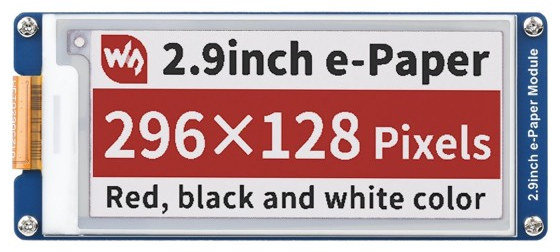
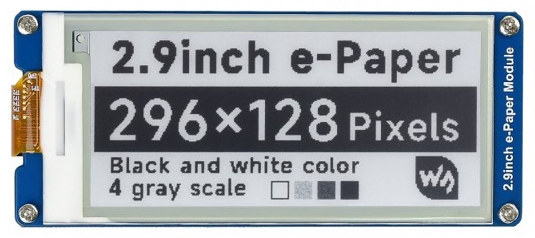
| 2.9" | 296×128 | Black / White / Red | SPI | Should work | |
| 2.9" | 296×128 | Black / White / Red | SPI | Should work | |
| 2.9" | 296×128 | Black / White / Red | SPI | Should work | |
| 2.9" | 296×128 | Black / White / Yellow | SPI | Should work | |
| 2.9" | 296×128 | Black / White / Yellow | SPI | Should work | |
| 2.9" | 296×128 | Black / White | SPI | Should work | |
| 2.9" | 296×128 | Black / White | SPI | Should work | |
| 2.9" | 296×128 | 4-level grayscale | SPI | Should work | |
| 2.9" | 296×128 | 4-level grayscale | SPI | Should work | |
| 2.9" | 296×128 | Black / White | SPI | Should work | |
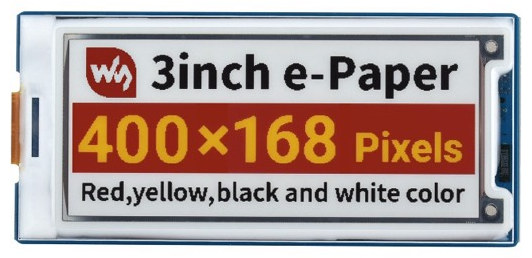
| 3" | 400×168 | Black / White / Yellow / Red | SPI | Should work | |
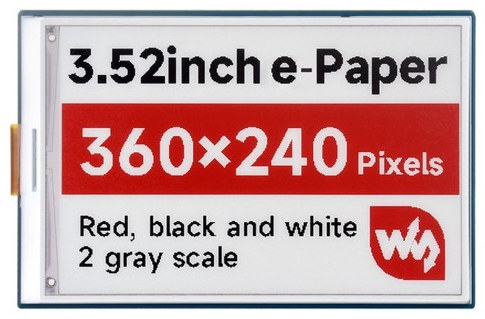
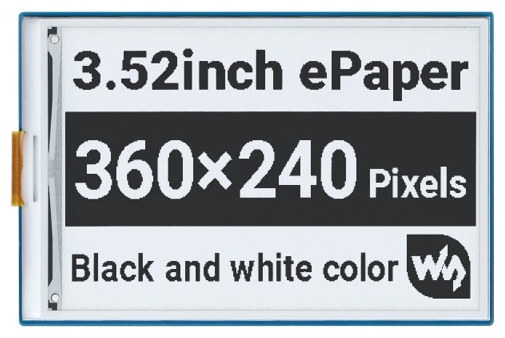
| 3.52" | 360×240 | Black / White / Red | SPI | Should work | |
| 3.52" | 360×240 | Black / White | SPI | Should work | |
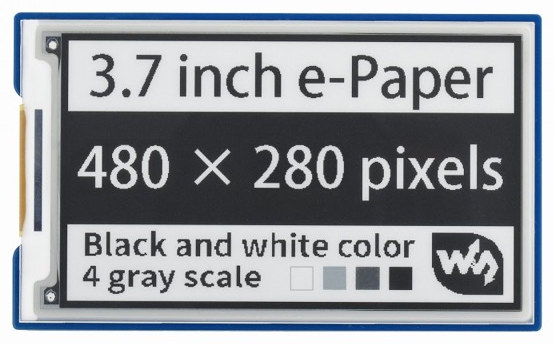
| 3.7" | 480×280 | 4-level grayscale | SPI | Should work | |
| 4" | 600×400 | 6 colors (Spectra 6) | SPI | ✓ Tested | |
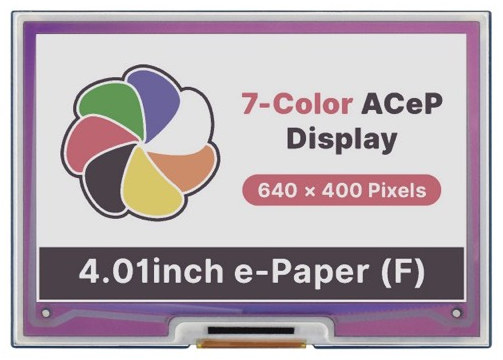
| 4.01" | 640×400 | 7 colors (ACeP) | SPI | ✓ Tested | |
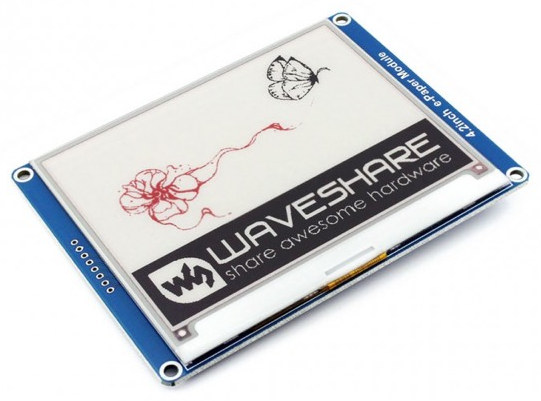
| 4.2" | 400×300 | Black / White / Red | SPI | Should work | |
| 4.2" | 400×300 | Black / White / Red | SPI | Should work | |
| 4.2" | 400×300 | Black / White / Red | SPI | Should work | |
| 4.2" | 400×300 | Black / White / Yellow | SPI | Should work | |
| 4.2" | 400×300 | Black / White / Yellow | SPI | Should work | |
| 4.2" | 400×300 | 4-level grayscale | SPI | Should work | |
| 4.2" | 400×300 | 4-level grayscale | SPI | Should work | |
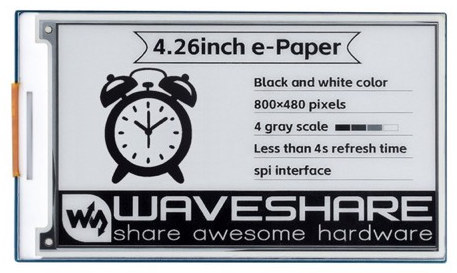
| 4.26" | 800×480 | 4-level grayscale | SPI | Should work | |
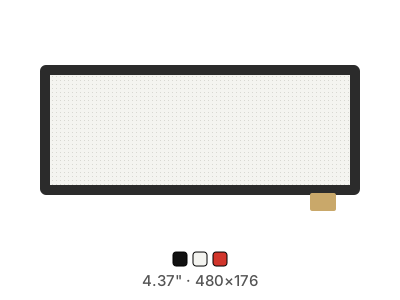
| 4.37" | 480×176 | Black / White / Red | SPI | Should work | |
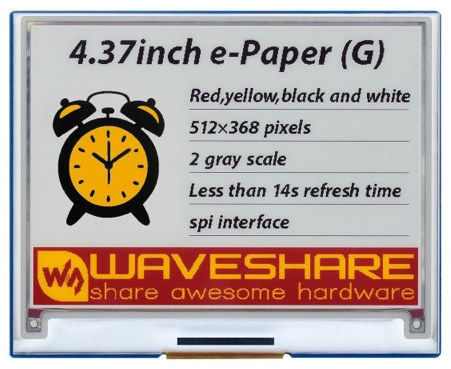
| 4.37" | 512×368 | Black / White / Yellow / Red | SPI | Should work | |
| 5" | 1080×1080 | Full RGB | HDMI | ✓ Tested | |
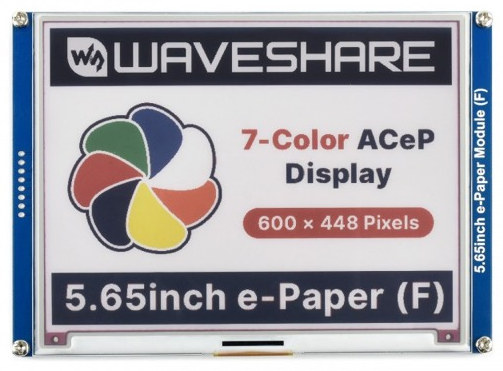
| 5.65" | 600×448 | 7 colors (ACeP) | SPI | Should work | |
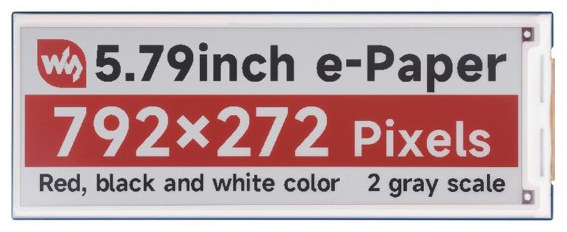
| 5.79" | 792×272 | Black / White / Red | SPI | Should work | |
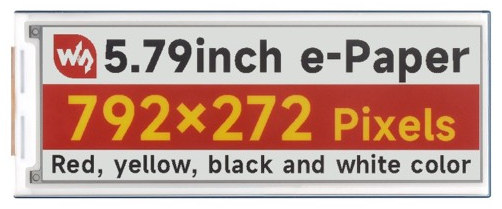
| 5.79" | 792×272 | Black / White / Yellow / Red | SPI | Should work | |
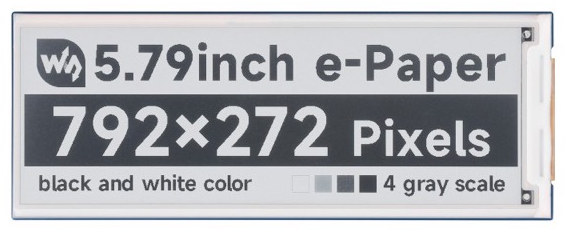
| 5.79" | 792×272 | 4-level grayscale | SPI | Should work | |
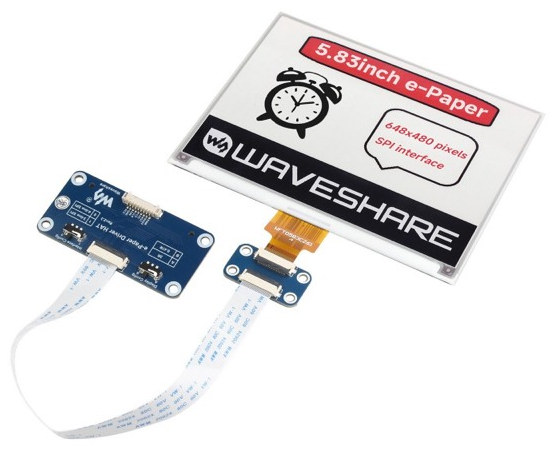
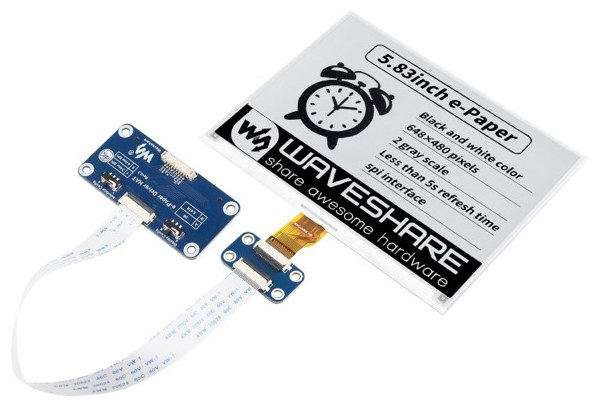
| 5.83" | 648×480 | Black / White / Red | SPI | Should work | |
| 5.83" | 600×448 | Black / White / Red | SPI | Should work | |
| 5.83" | 600×448 | Black / White / Yellow | SPI | Should work | |
| 5.83" | 600×448 | Black / White / Yellow | SPI | Should work | |
| 5.83" | 648×480 | 4-level grayscale | SPI | Should work | |
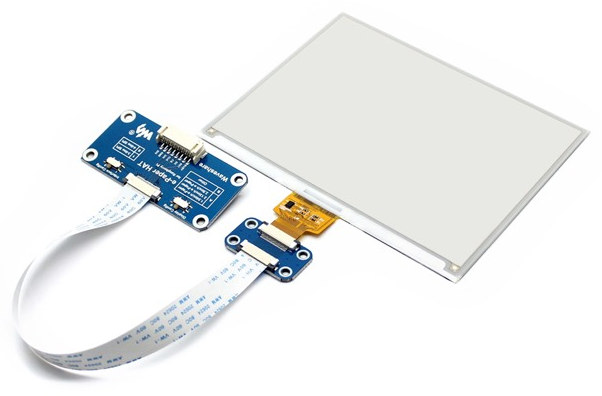
| 5.83" | 600×448 | Black / White | SPI | Should work | |
| 5.84" | 768×256 | Black / White | SPI | Should work | |
| 7.3" | 800×480 | 6 colors (Spectra 6) | SPI | ✓ Tested | |
| 7.3" | 800×480 | 7 colors (ACeP) | SPI | Should work | |
| 7.3" | 800×480 | Black / White / Yellow / Red | SPI | Should work | |
| 7.3" | 800×480 | 6 colors (Spectra 6) | ESP32-S3 board | ✓ Tested | |
| 7.3" | 800×480 | 6 colors (Spectra 6) | Raspberry Pi Zero GPIO | ✓ Tested | |
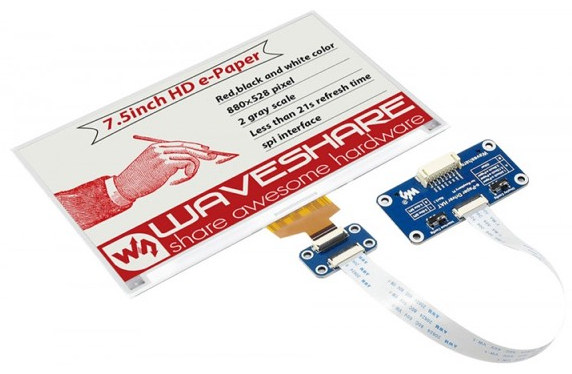
| 7.5" | 880×528 | Black / White / Red | SPI | Should work | |
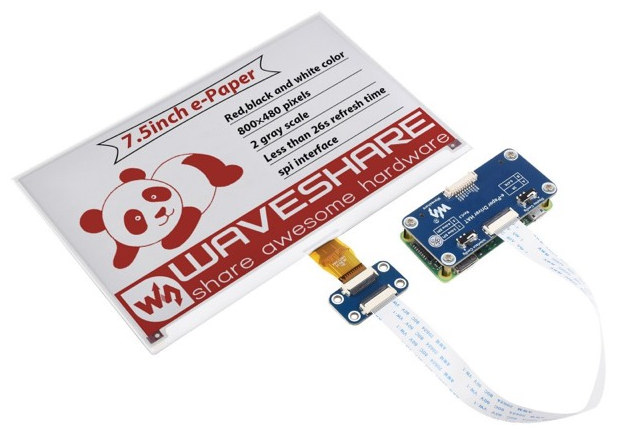
| 7.5" | 800×480 | Black / White / Red | SPI | Should work | |
| 7.5" | 800×480 | Black / White / Red | SPI | ✓ Tested | |
| 7.5" | 640×384 | Black / White / Red | SPI | Should work | |
| 7.5" | 640×384 | Black / White / Yellow | SPI | Should work | |
| 7.5" | 640×384 | Black / White / Yellow | SPI | Should work | |
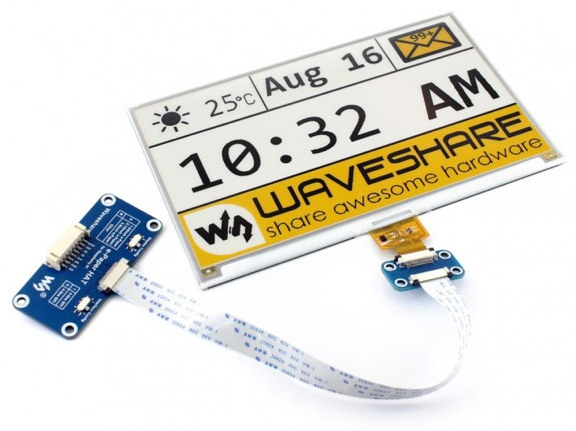
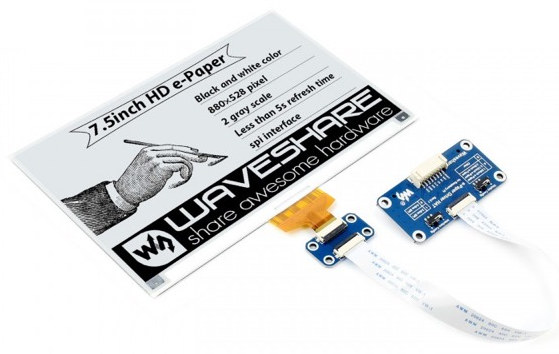
| 7.5" | 880×528 | Black / White | SPI | Should work | |
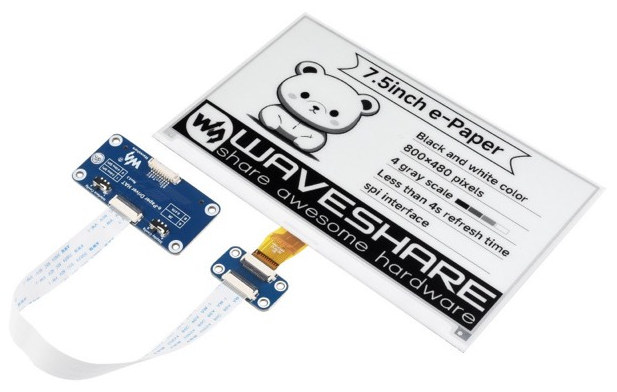
| 7.5" | 800×480 | 4-level grayscale | SPI | Should work | |
| 7.5" | 800×480 | Black / White | SPI | ✓ Tested | |
| 7.5" | 640×384 | Black / White | SPI | Should work | |
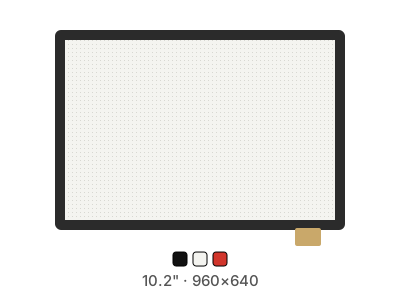
| 10.2" | 960×640 | Black / White / Red | SPI | Should work | |
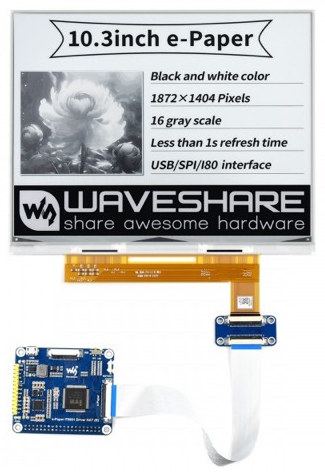
| 10.3" | 1872×1404 | 16-level grayscale | USB/SPI (IT8951) | ✓ Tested | |
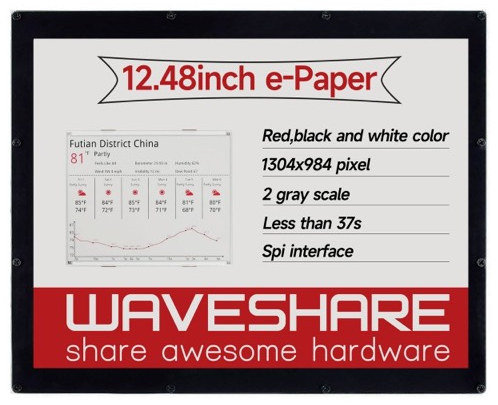
| 12.48" | 1304×984 | Black / White / Red | SPI (dual driver boards) | ✓ Tested | |
| 12.48" | 1304×984 | Black / White / Red | SPI (dual driver boards) | ✓ Tested | |
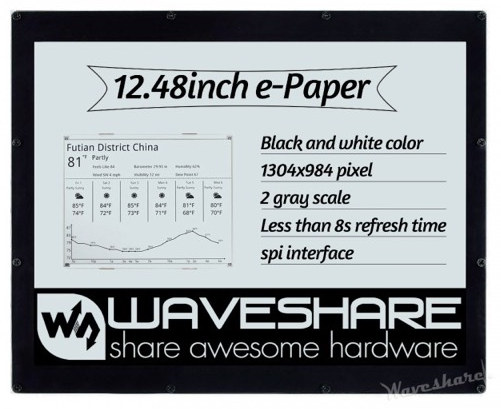
| 12.48" | 1304×984 | Black / White | SPI (dual driver boards) | Should work | |
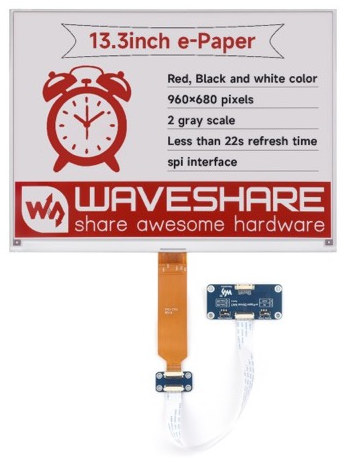
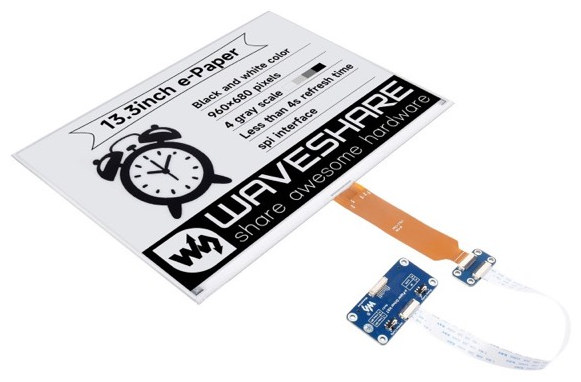
| 13.3" | 960×680 | Black / White / Red | SPI | Should work | |
| 13.3" | 1600×1200 | 6 colors (Spectra 6) | SPI | ✓ Tested | |
| 13.3" | 960×680 | Black / White | SPI | Should work | |
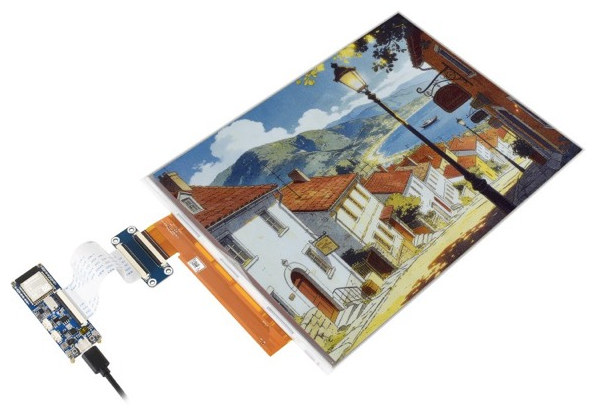
| 13.3" | 1600×1200 | 6 colors (Spectra 6) | ESP32-S3 board | ✓ Tested | |
| - | any | Depends on the panel | ESP32-S3 driver board | Should work | |
| - | any | Depends on the panel | ESP32-S3 driver board | Should work | |
| 3.97" | 800×480 | Black/White | SPI | Should work | |
| 3.97" | 800×480 | Black/White | ESP32-S3 board | Should work | |
| 4" | 480×480 | 65K colors (16-bit) | ESP32-S3 board | ✓ Tested | |
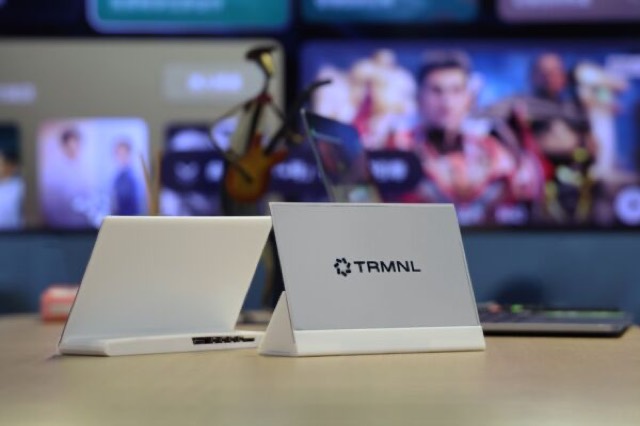
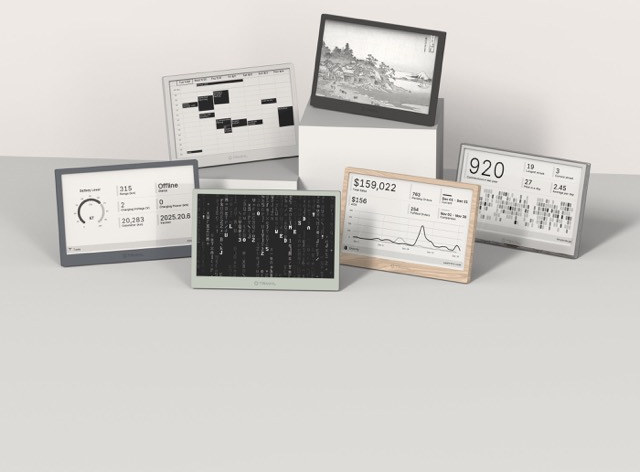
TRMNL 4.26" DIY KitESP32 | 4.26" | 800×480 | 4-level grayscale | ESP32-S3 board | Should work |
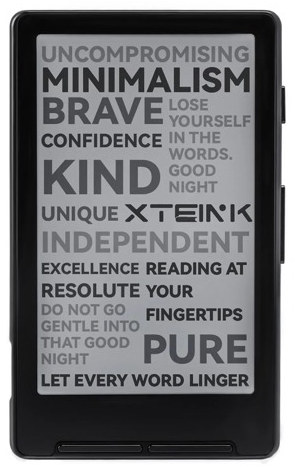
XTEINK X4ESP32 | 4.26" | 800×480 | 4-level grayscale | ESP32-C3 board | Should work |
| 5.79" | 792×272 | 4-level grayscale | ESP32-S3 board | Should work | |
| 7.3" | 800×480 | 6 colors (Spectra 6) | ESP32-S3 board | ✓ Tested | |
TRMNL 7.5" DIY KitESP32 | 7.5" | 800×480 | Black/White | ESP32-S3 board | Should work |
TRMNL BWRY (7.5")ESP32 | 7.5" | 800×480 | Black/White/Yellow/Red | ESP32-C3 board | Should work |
TRMNL OG (7.5")ESP32 | 7.5" | 800×480 | Black/White | ESP32-C3 board | Should work |
| 7.5" | 800×480 | Black/White | ESP32-S3 board | Should work | |
| 7.5" | 800×480 | Black/White | ESP32-C3 board | Not yet | |
| 8" | 800×1280 | Full RGB | ESP32-P4 board (MIPI-DSI) | Not yet | |
| 10.3" | 1404×1872 | 16-level grayscale | ESP32-S3 board | Should work | |
| 10.3" | 1404×1872 | 16-level grayscale | ESP32-S3 driver board | Not yet | |
| 13.3" | 1200×1600 | 6 colors (Spectra 6) | ESP32-S3 board | ✓ Tested | |
| 13.3" | 1200×1600 | 6 colors (Spectra 6) | ESP32-S3 driver board | Not yet |


How the drivers work
- E-ink panels are driven over SPI by drivers compiled directly into the FrameOS binary - no Python, no runtime libraries. Each Waveshare panel is one C driver (the vendor's, or a FrameOS fork of it) that is bound into the Pi binary and linked into the ESP32 firmware alike, so both targets behave the same. FrameOS renders your scene, dithers it to the panel's exact ink palette, and pushes the result to the display.
- HDMI / Framebuffer renders straight to the Pi's video output - TVs, monitors, any HDMI panel. On a Pi 5 it pushes 60 frames per second.
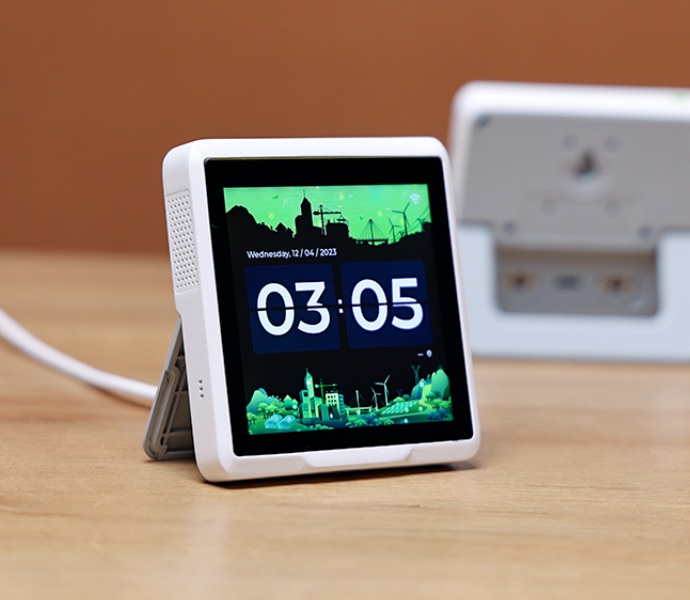
- Pimoroni HyperPixel LCDs - the 4.0", the 4.0" Square and the 2.1" Round - sit on the GPIO header and get their pixels over DPI. A native driver sets them up on a Pi Zero through Pi 5, and touch arrives in scenes as pointer events.
- Web only runs a frame with no physical display: view it in the browser, perfect for trying FrameOS or kiosk setups.
- HTTP upload POSTs each rendered image to a URL of your choosing - drive displays FrameOS has never heard of.
- Older or unusual Pimoroni Inky boards fall back to a Python driver that auto-detects the panel.
- Panels marked ESP32 also work without a Raspberry Pi, driven by the FrameOS ESP32 firmware: that's every Waveshare-family SPI e-paper panel except the 12.48" family, plus the 10.3" IT8951 from firmware 2026.10.21. Every supported driver is compiled into one firmware image and the panel is picked at runtime, so switching panels needs no rebuild.
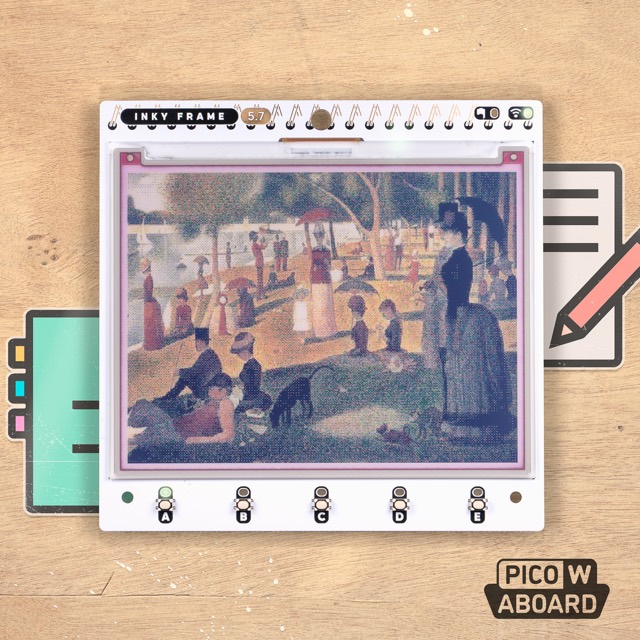
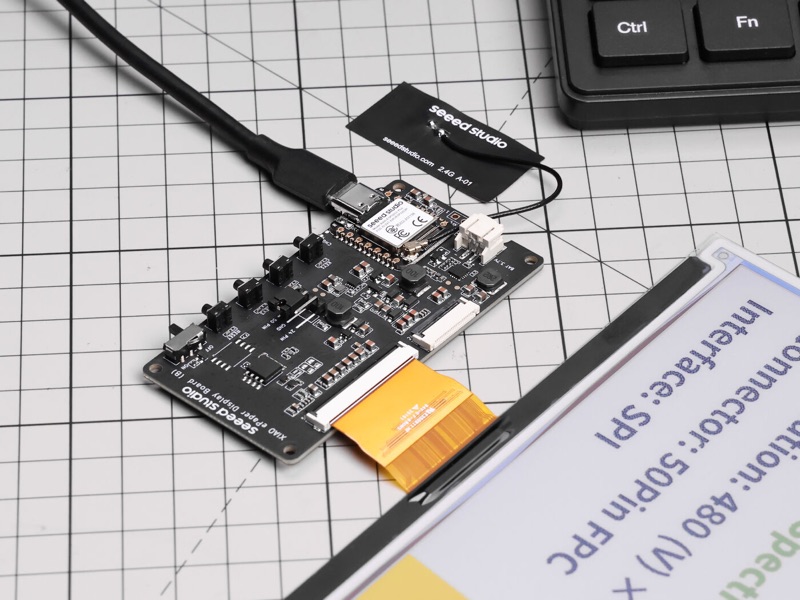
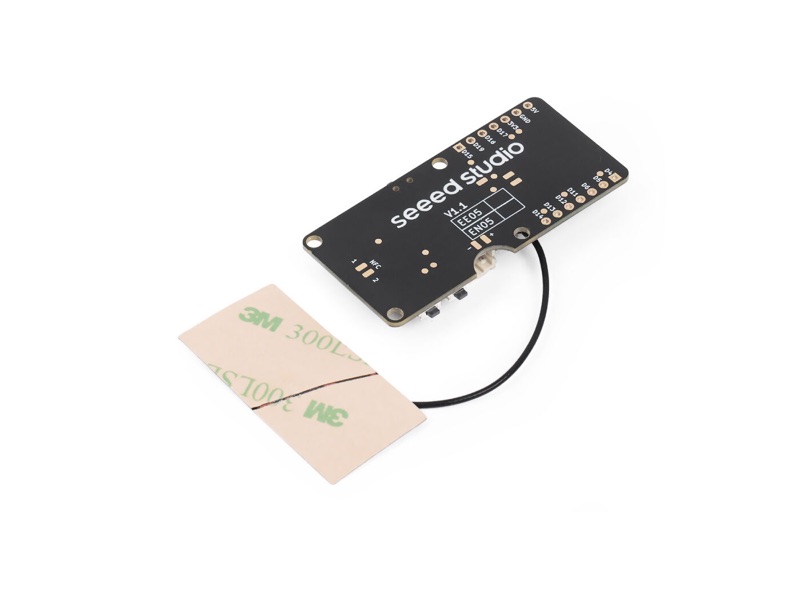
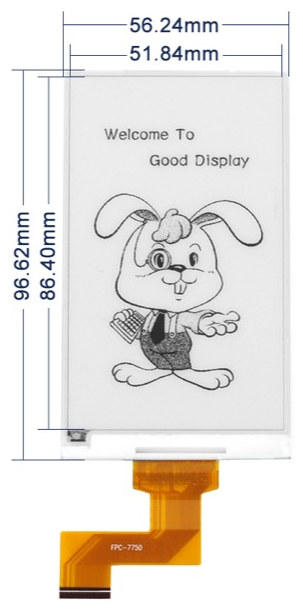
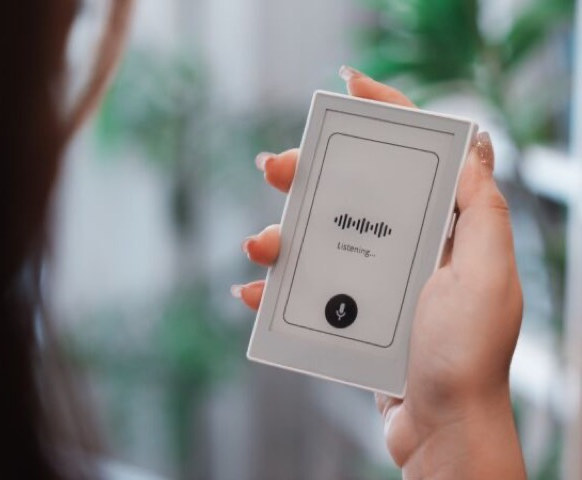
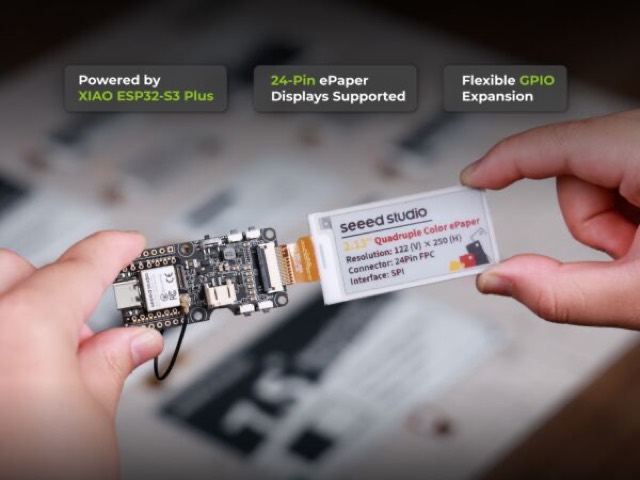
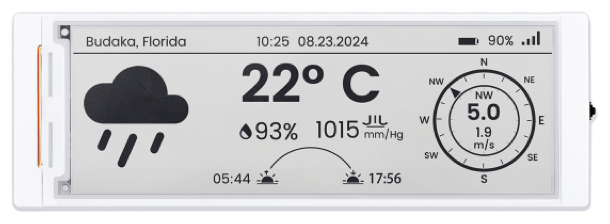
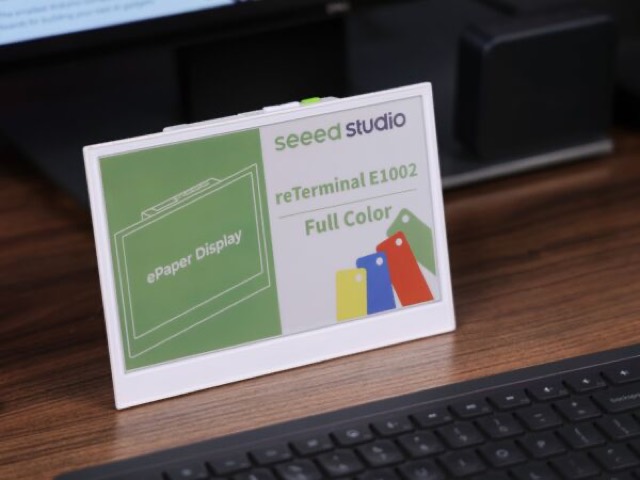
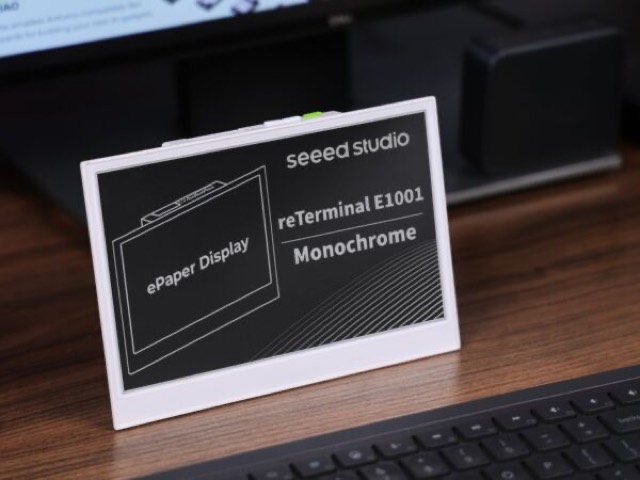
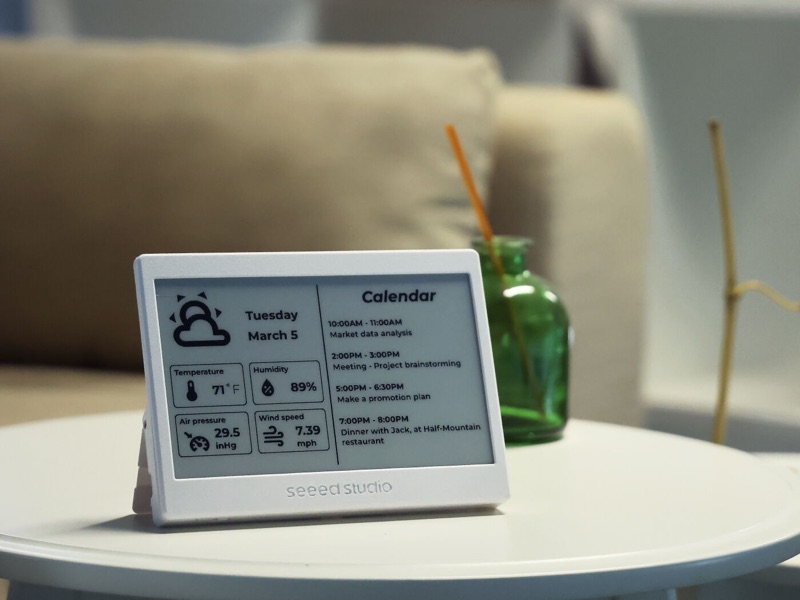
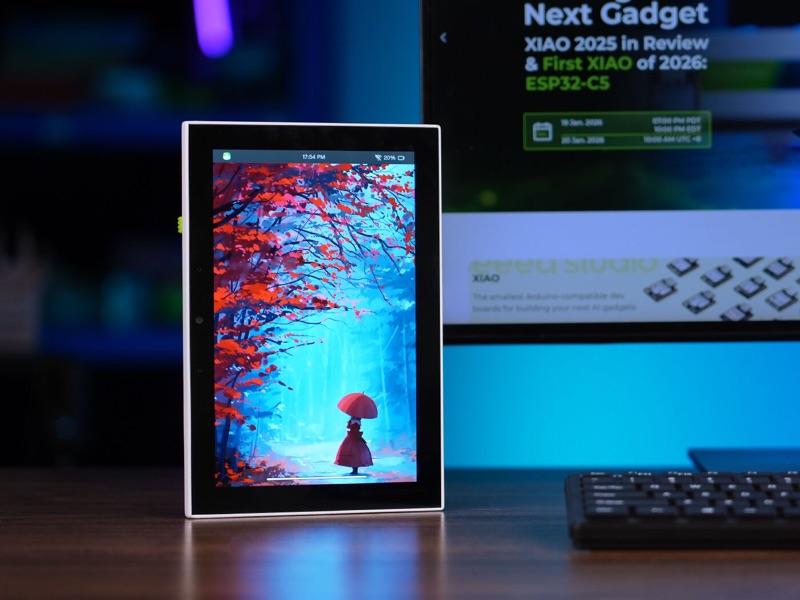
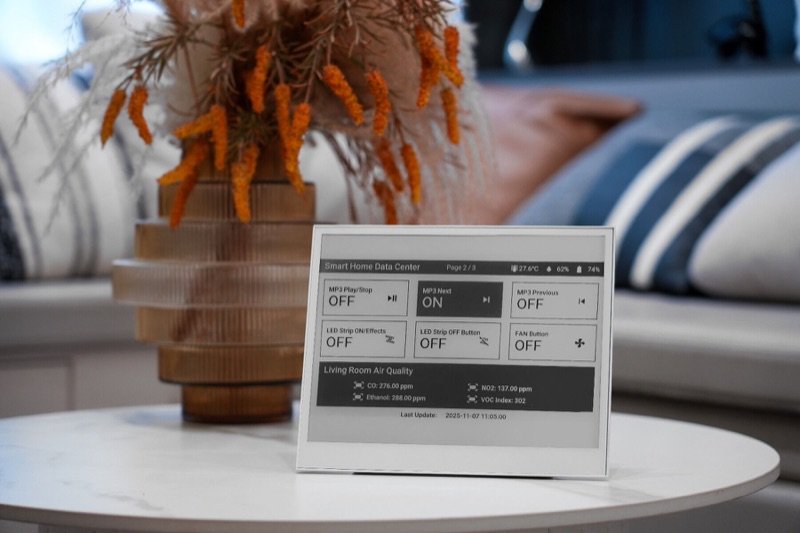
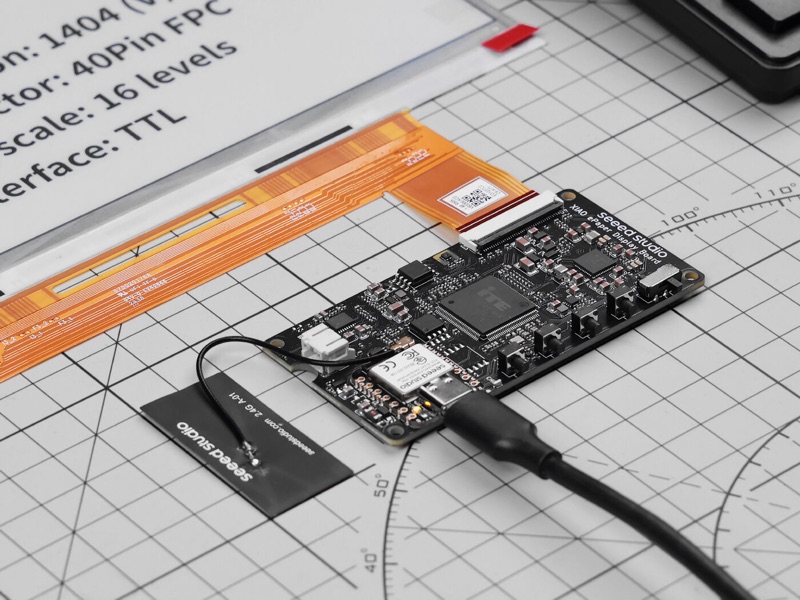
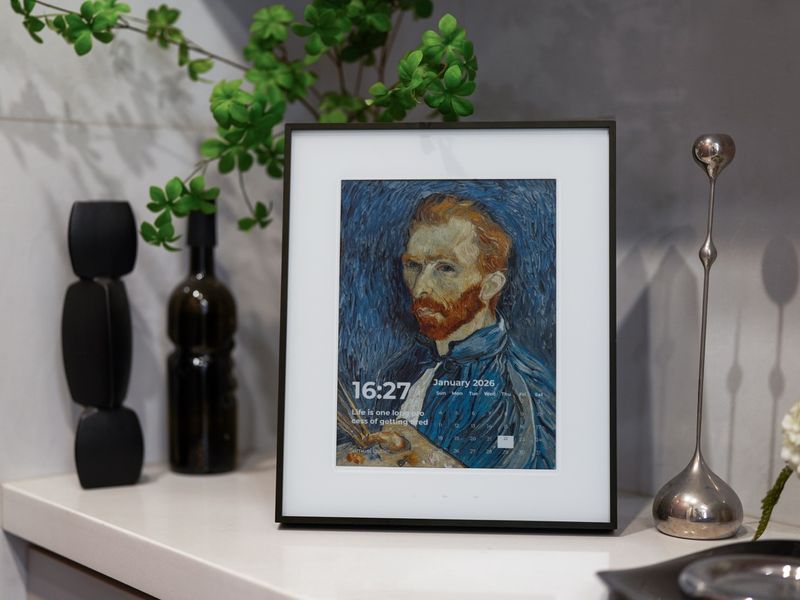
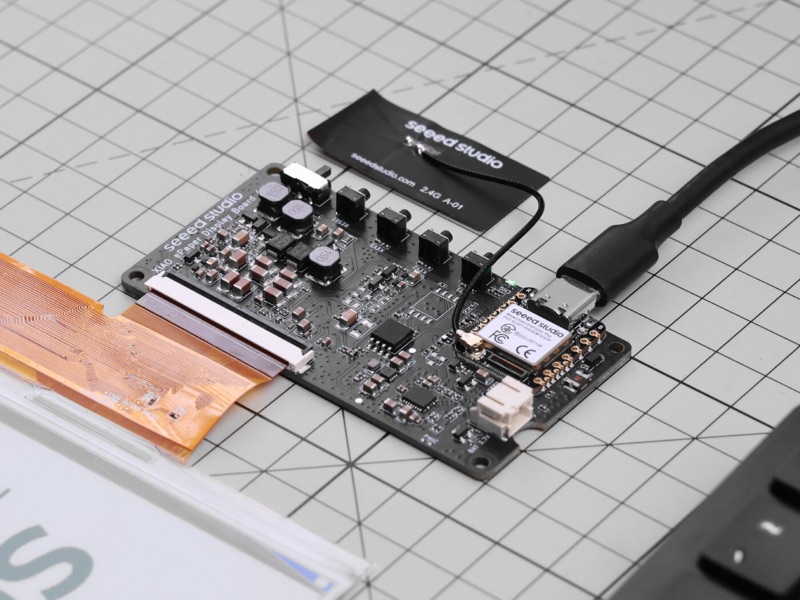
- All-in-one boards - a panel with a microcontroller already attached - have their own pages naming the hardware preset to choose: the Waveshare PhotoPainter and 13.3E6, the Seeed reTerminals (up to the 13.3" E1004), the SenseCAP Indicator's touch LCD and Seeed's XIAO ePaper boards, the TRMNL, the XTEINK X4, the Elecrow CrowPanel and the Pimoroni Inky Frames.
Picking a panel
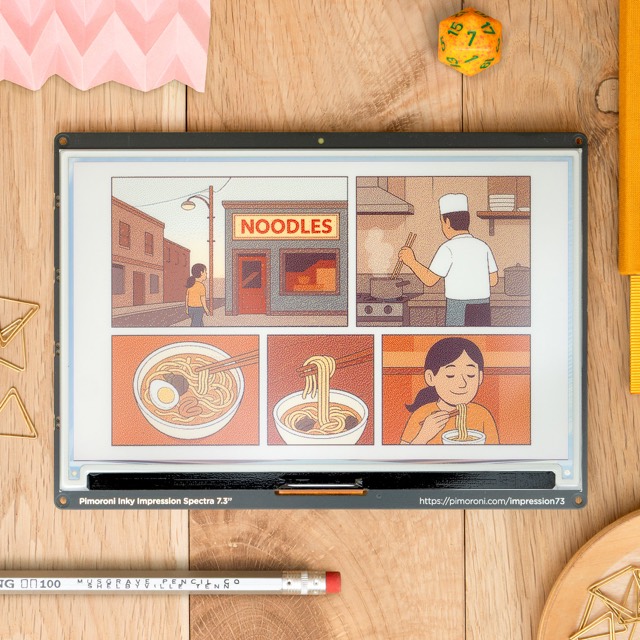
New to e-ink? Start with the Waveshare buying guide for panels to build into a frame, or the Seeed Studio buying guide for finished frames that need no wiring at all. Or jump straight to a crowd favourite: the Pimoroni Inky Impression 7.3" for plug-and-play color, or the Waveshare 13.3" Spectra 6 for a big, vivid art frame.
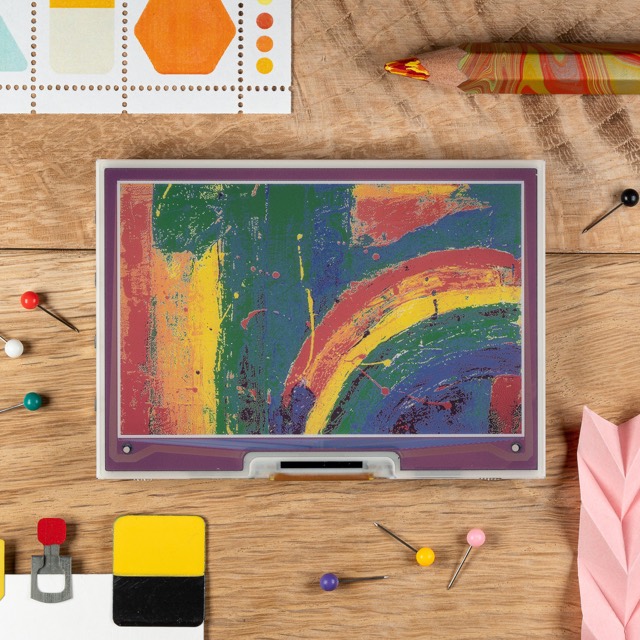
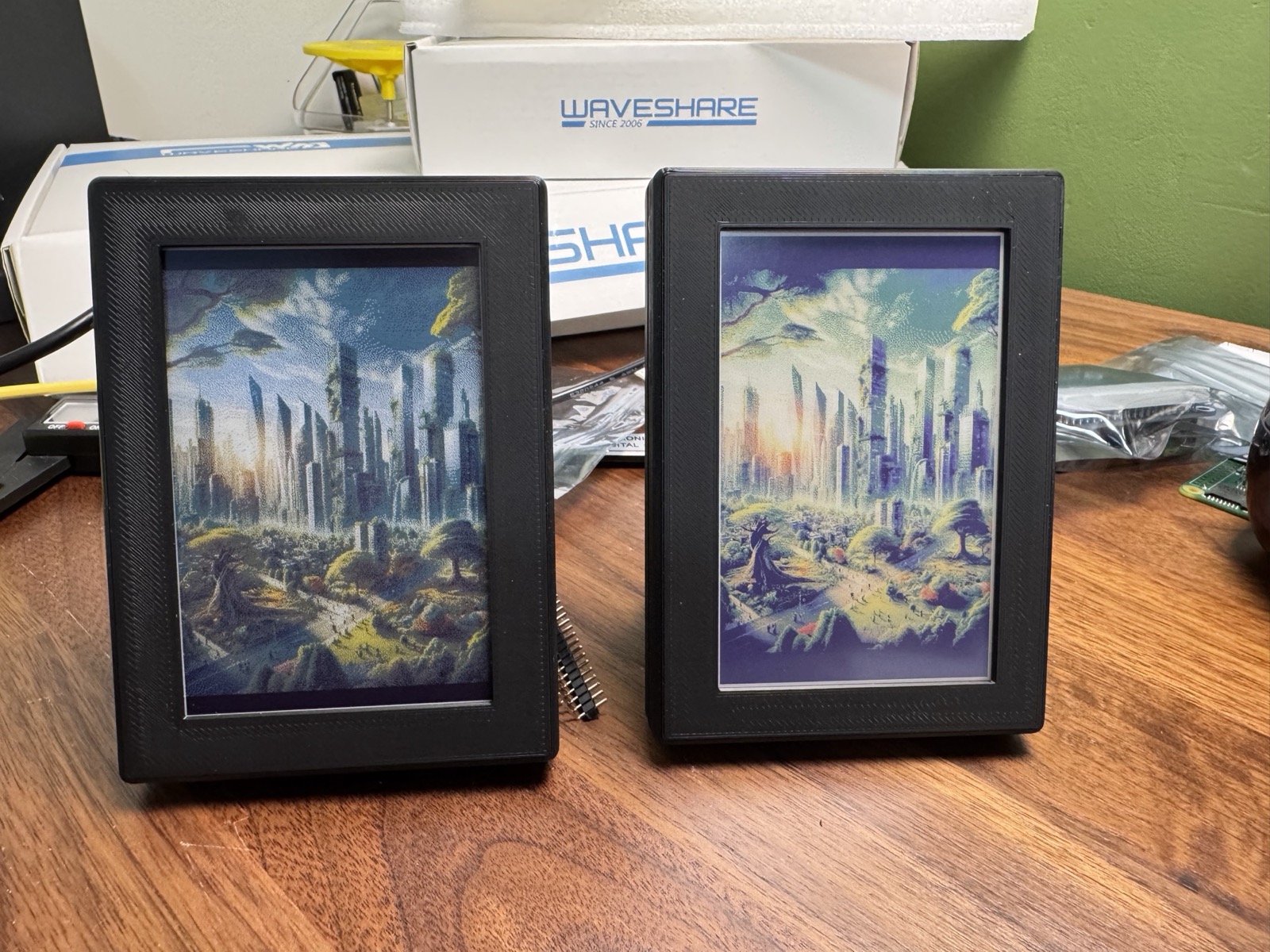
Spectra 6 or ACeP? Both are color e-ink, but they look different side by side. Spectra 6 (E6) is brighter with more saturated colors and a whiter white; the older 7-color ACeP panels have a softer, slightly purple cast and a longer refresh. Same image, Spectra 6 on the left, ACeP on the right:
Your panel is missing?
- Displays not in this database: open an issue, or try the closest driver - controller boards are often shared between panels.
- Tested a panel marked "should work"? Tell us on GitHub or Discord.
- Each device page is a markdown file in
content/docs/devices/, so corrections and additions are one pull request away.