
 FrameOS
Devices
Web only (no physical display)
Run a FrameOS frame with no physical display - render scenes and view them in the browser.
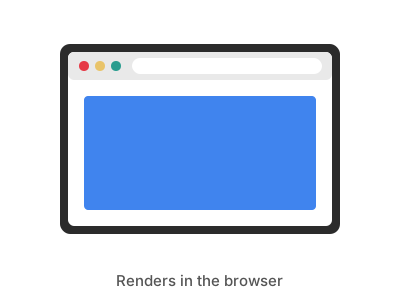
Illustration
Generic Web only
- Vendor
- Generic
- Model
- Web only
- Technology
- Web
- Colors
- Full RGB
- Resolution
- Any / configurable
- Size
- -
- Interface
- None (browser)
- Platforms
- Raspberry Pi · ESP32-S3
- Status
- 🟢 Confirmed working
- FrameOS driver
web_only
Part of the FrameOS device database. Spotted an error, or tested this panel? Edit this page on GitHub - it's a markdown file.
Web only runs a frame with no physical display attached. The frame renders your scenes on schedule, and you view the result in any browser - straight from the frame, or mirrored in the FrameOS backend.
Great for:
- Trying out FrameOS before any e-ink hardware arrives.
- Kiosk setups where another machine fullscreens the frame's URL.
- Debugging scenes without waiting for an e-ink refresh.
The ESP32 firmware supports this mode too ("No display / headless") - handy for testing a board before the panel arrives.
Setup
- Add a frame in the FrameOS backend and select the Web only driver.
- Set any width and height you like - the canvas is fully RGB at whatever resolution you choose.
- Save & deploy, then open the frame's URL in a browser.
Status
🟢 Confirmed working - tested on real hardware.